VidSoftLabs
Video Converter app icon

The Ultimate All-in-One Video Studio — Convert, Compress, Edit & Share Instantly

Video Converter

Convert, compress, edit, and share video and audio with advanced controls.

  • iOSiOS: Available
  • AndroidAndroid: Available
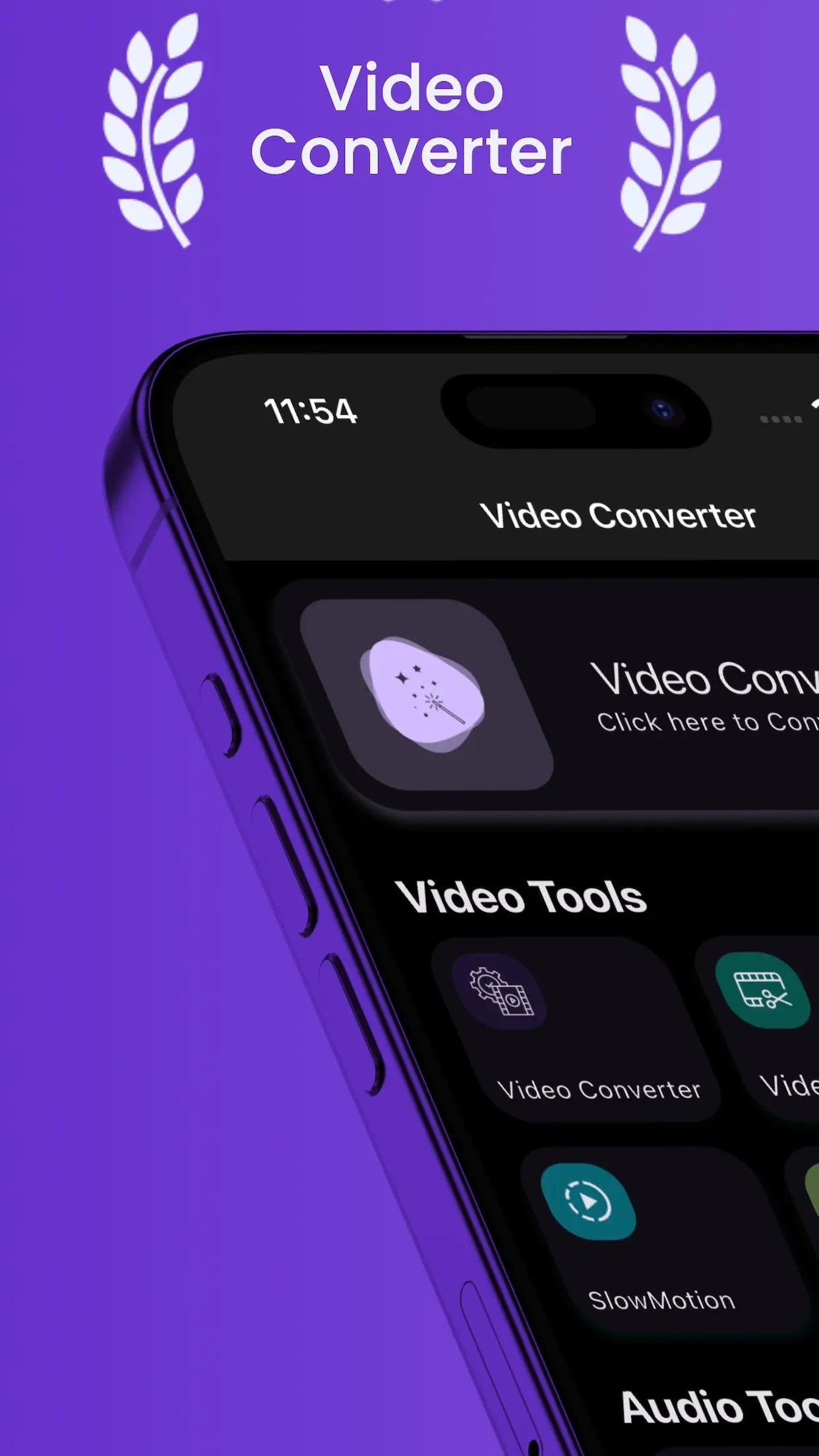
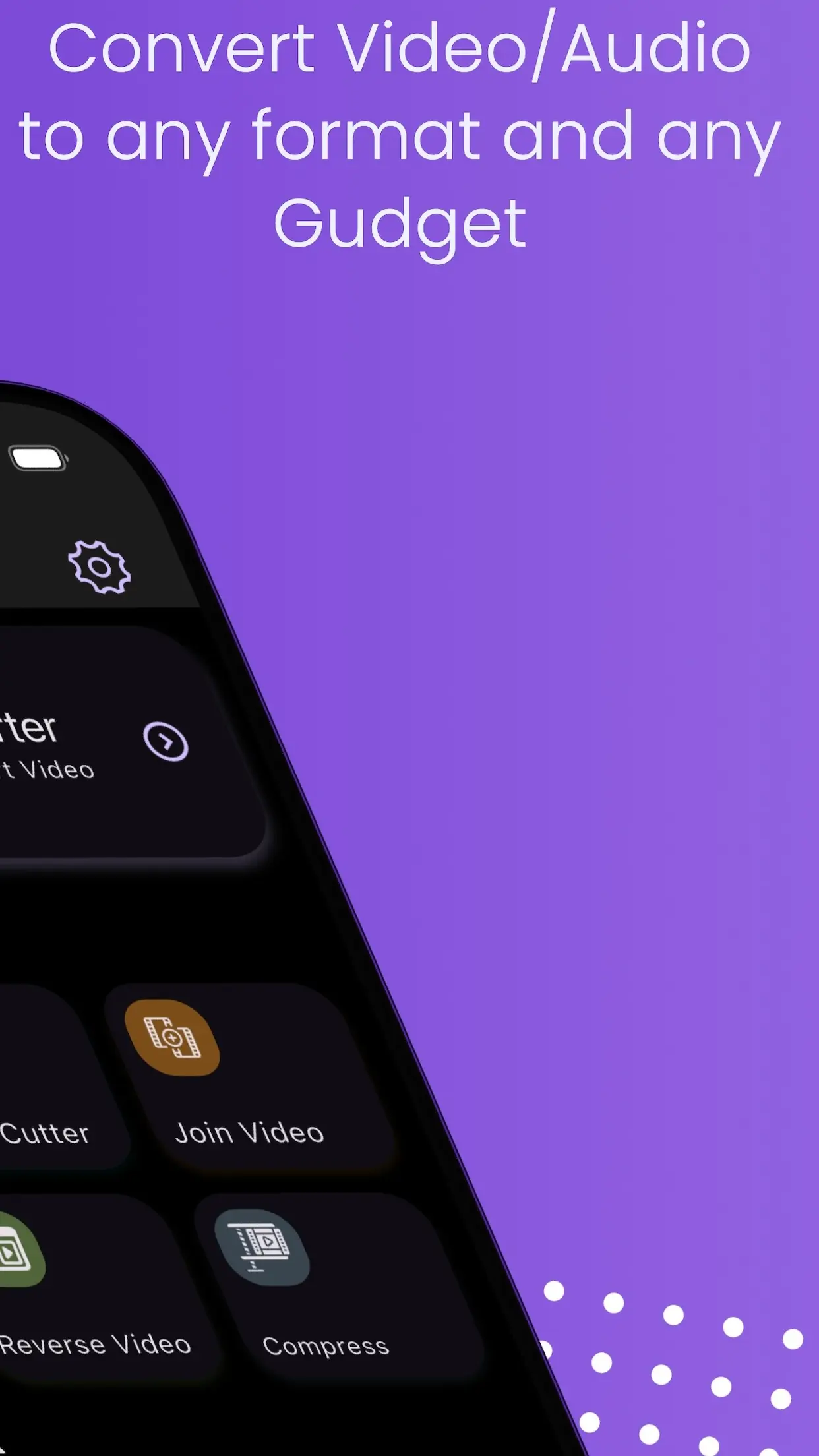
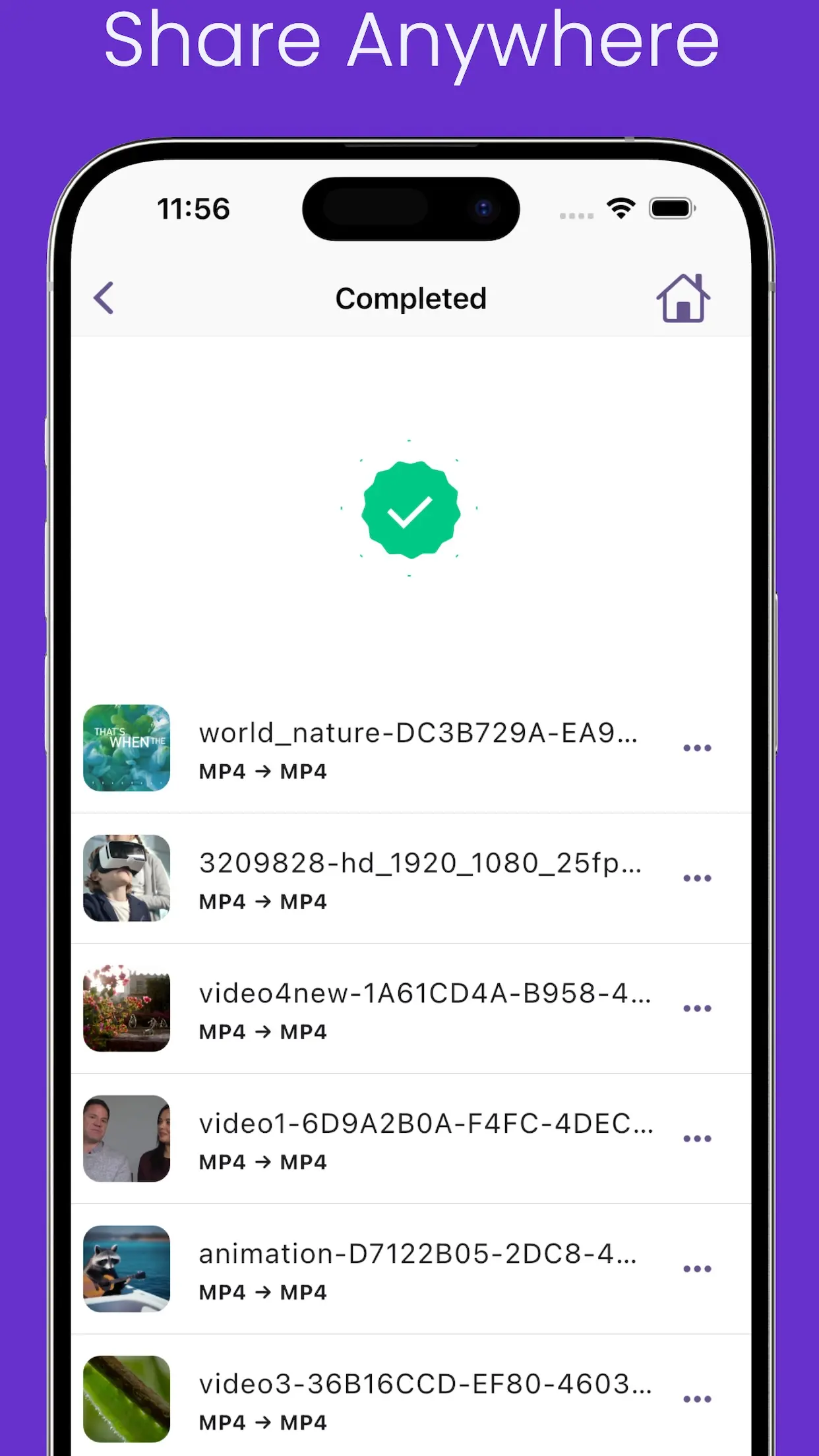
Video Converter home and conversion options
Video Converter format and control settings

Screenshots

Inside Video Converter

Screenshots from Video Converter.

Features

Feature overview

What this app helps you do.

Conversion and formats

  • 4K video conversion
  • MP4, MOV, MKV, AVI, FLV, 3GP, WMV, H264, and H265
Advanced controls

  • Resolution
  • 240p through 4K
  • FPS
  • Bitrate
  • CBR/VBR
  • Codec
  • +4 more in details below

Editing

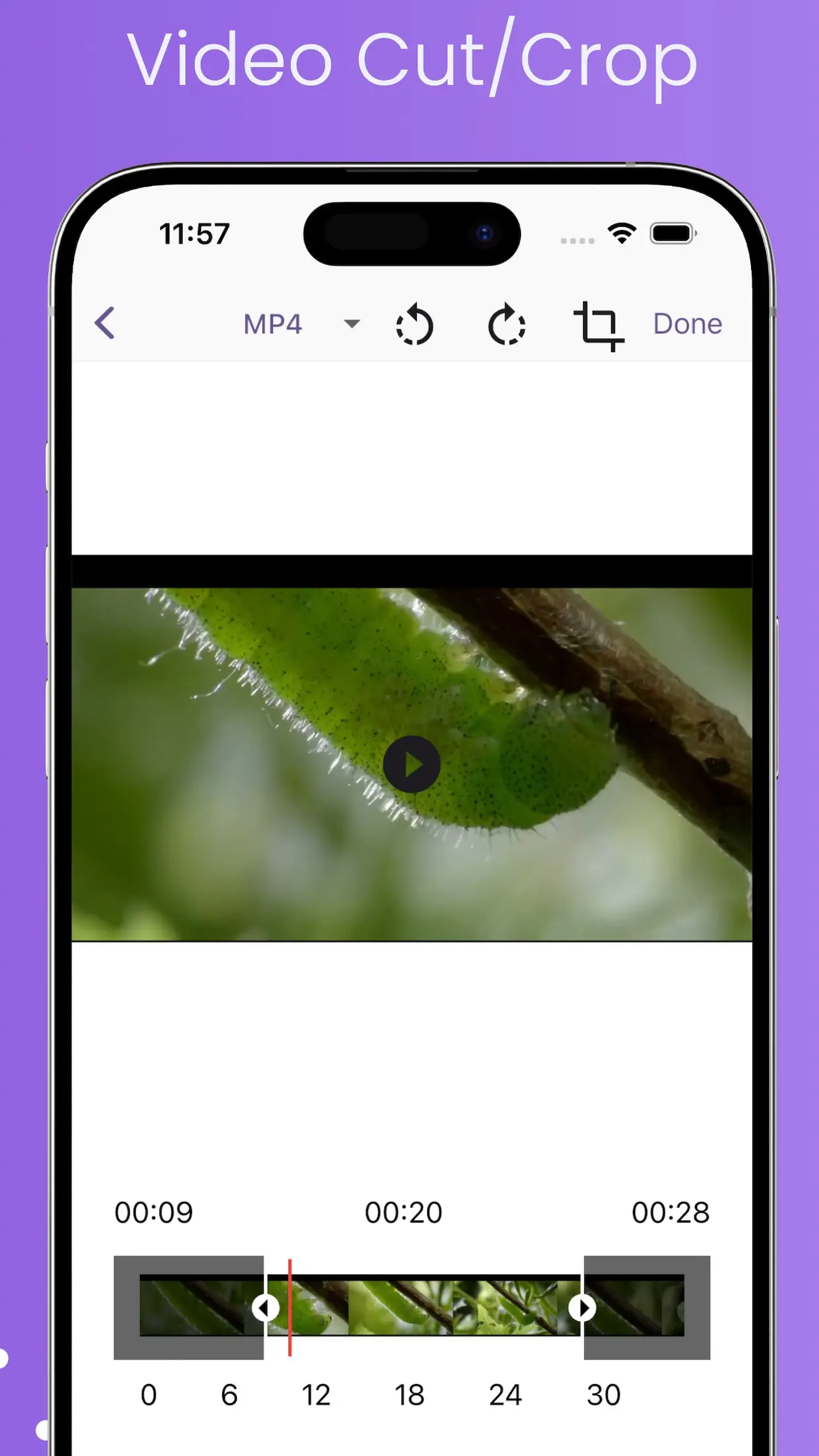
  • Trim
  • Cut
  • Merge
  • Reverse
  • Slow motion
  • Crop
  • +2 more in details below

Compression

  • Video compression
  • H264/H265 compression
  • Target output size/bitrate
  • Reduced file size

Audio

  • Audio conversion
  • Audio cutter
  • Audio merger
  • MP3, M4A, AAC, FLAC, OGG, and OPUS
  • Metadata/tag editing
  • Speed
  • +2 more in details below

Processing and other controls

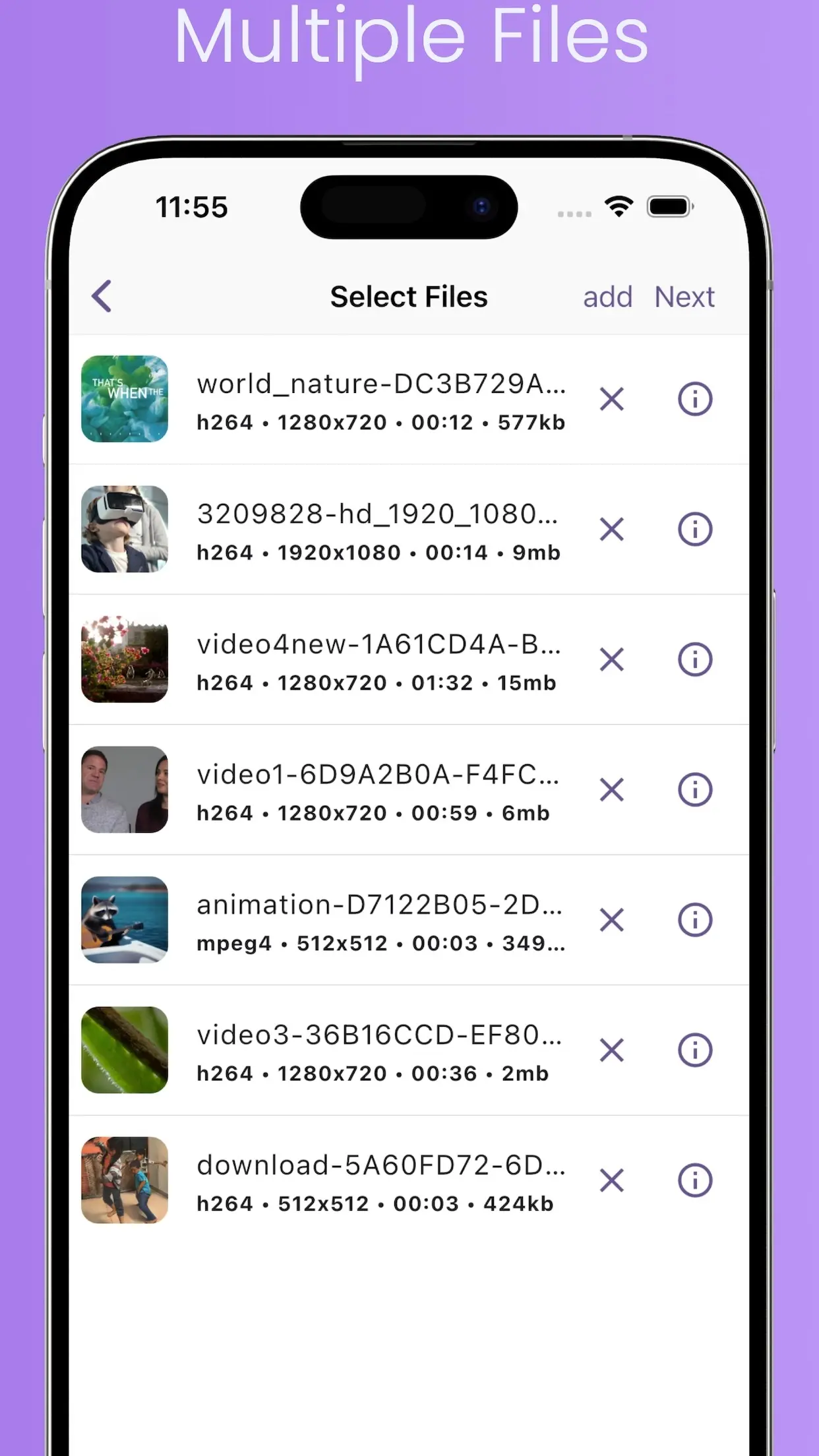
  • Batch processing
  • Multiple files
  • YouTube presets
  • Instagram presets
  • WhatsApp presets
  • Sample rate
  • +4 more in details below

Capabilities

Key capabilities

Key features of this app.

Conversion and formats

  • 4K video conversion
  • MP4, MOV, MKV, AVI, FLV, 3GP, WMV, H264, and H265

Advanced controls

  • Resolution
  • 240p through 4K
  • FPS
  • Bitrate
  • CBR/VBR
  • Codec
  • Audio tracks
  • Subtitle tracks
  • SRT
  • VTT

Editing

  • Trim
  • Cut
  • Merge
  • Reverse
  • Slow motion
  • Crop
  • Rotate
  • Intro/outro

Compression

  • Video compression
  • H264/H265 compression
  • Target output size/bitrate
  • Reduced file size

Audio

  • Audio conversion
  • Audio cutter
  • Audio merger
  • MP3, M4A, AAC, FLAC, OGG, and OPUS
  • Metadata/tag editing
  • Speed
  • Pitch
  • Gain

Processing and other controls

  • Batch processing
  • Multiple files
  • YouTube presets
  • Instagram presets
  • WhatsApp presets
  • Sample rate
  • Channels
  • Codec selection
  • Light/Dark/System app appearance
  • 50+ languages

Formats

Supported formats

Supported formats. Availability may vary by operation.

  • MP4
  • MOV
  • MKV
  • AVI
  • FLV
  • 3GP
  • WMV
  • H264
  • H265
  • MP3
  • M4A
  • AAC
  • FLAC
  • OGG
  • OPUS

Platforms

Platform and store information

Where this app is available to download.

  • iOSiOS: Available
  • AndroidAndroid: Available

Get Video Converter

Download from the store, or browse the full VidSoftLabs app lineup.