
Conversion and processing
- Video to MP3
- Video to AAC
- Background conversion
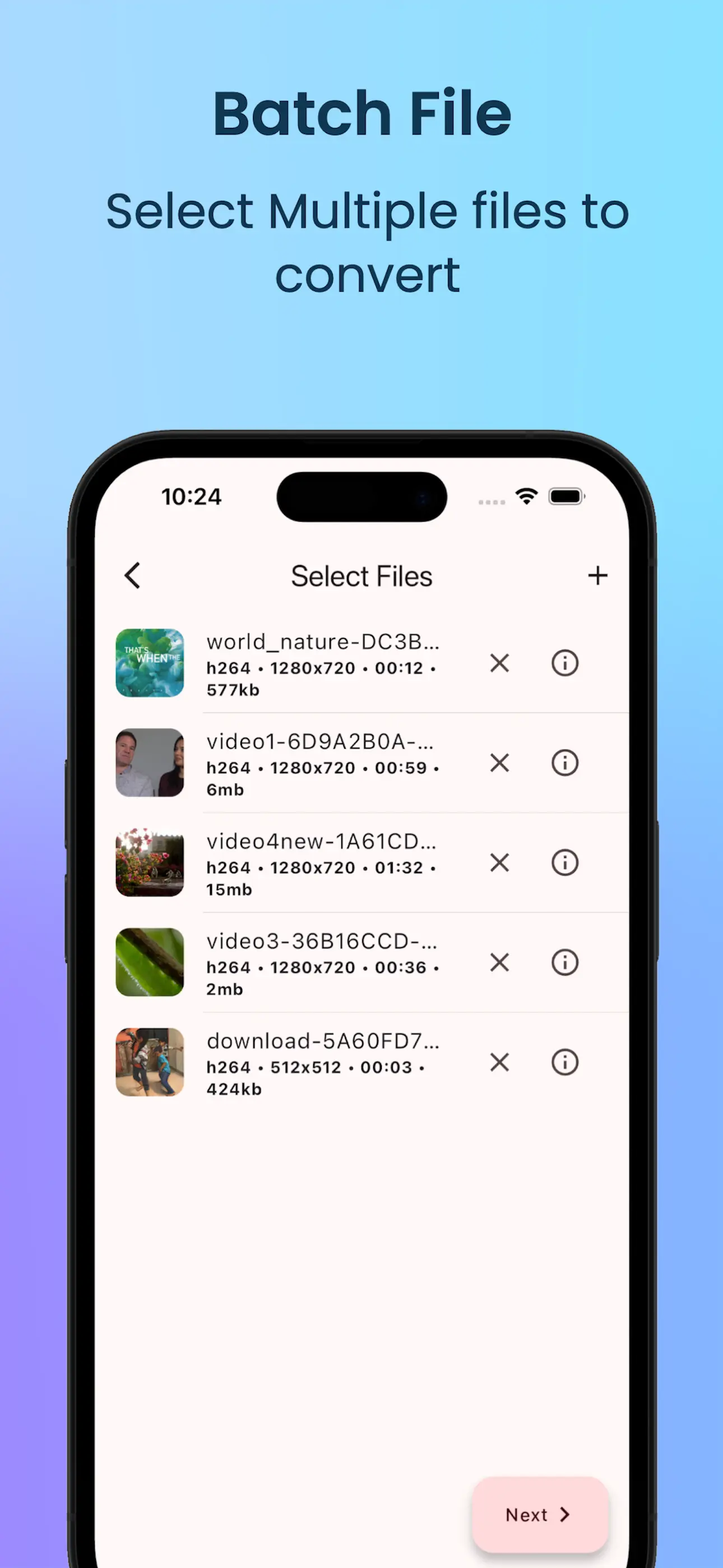
- Batch conversion
- Stop individual batch jobs
Video to MP3 / Audio Converter / Audio Cutter / Ringtone Maker
Convert video to audio, cut and merge audio, and create ringtones.
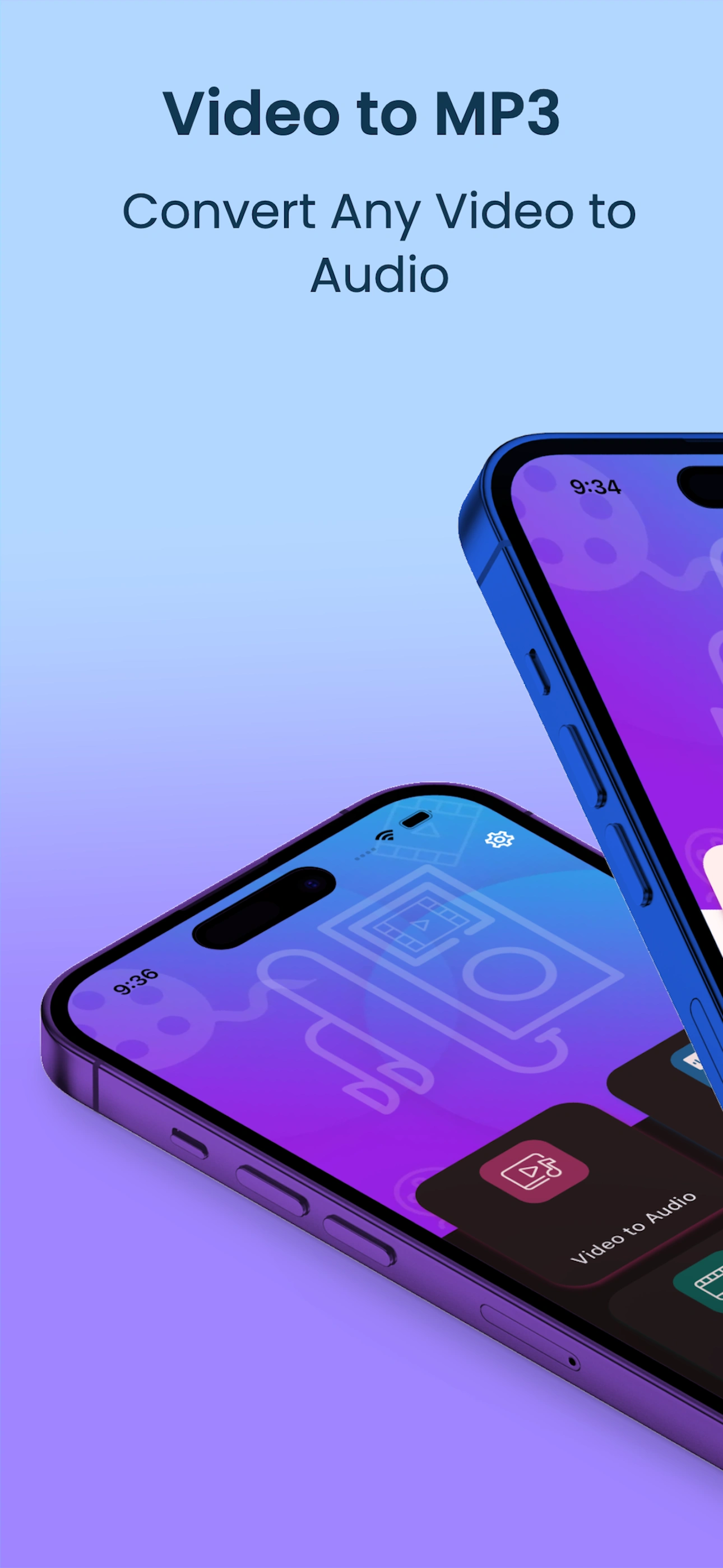
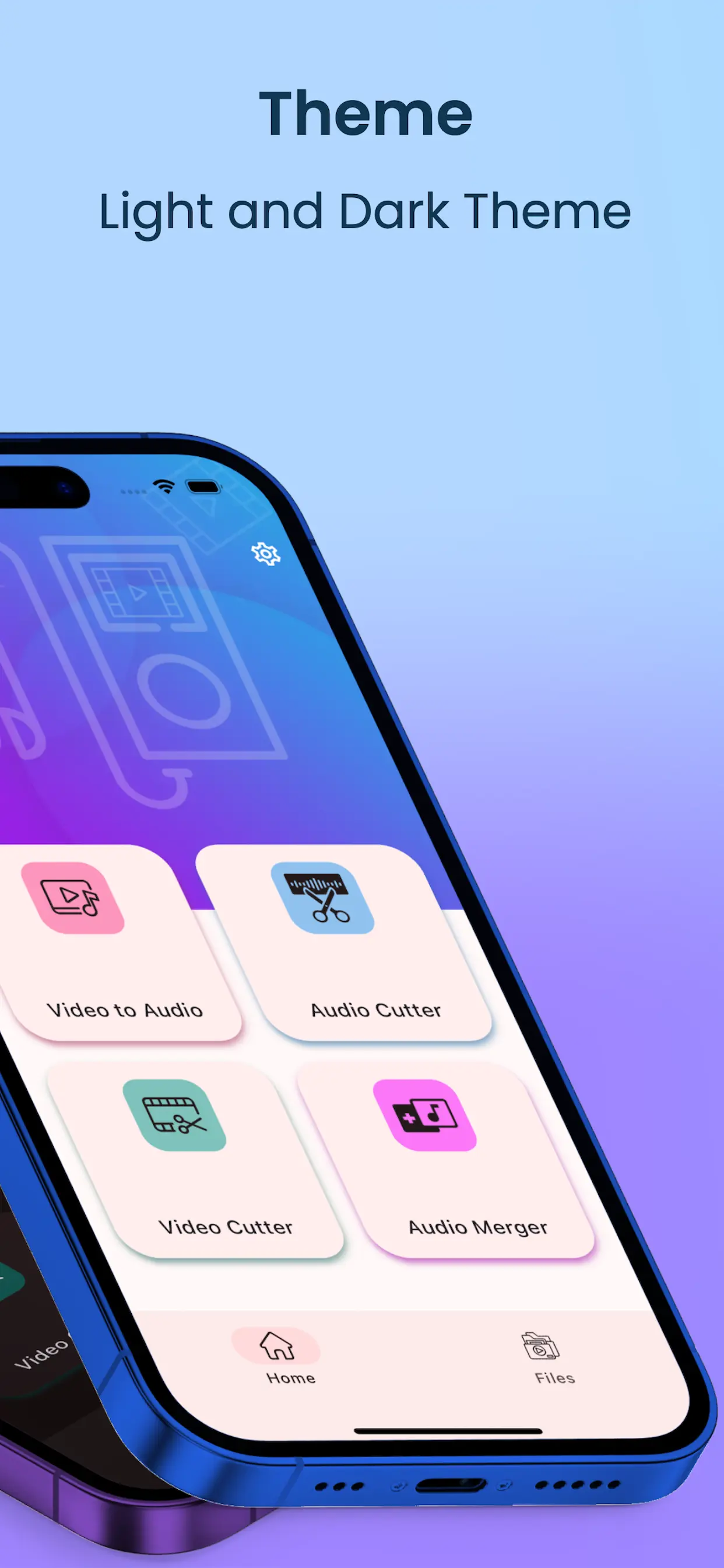
Screenshots
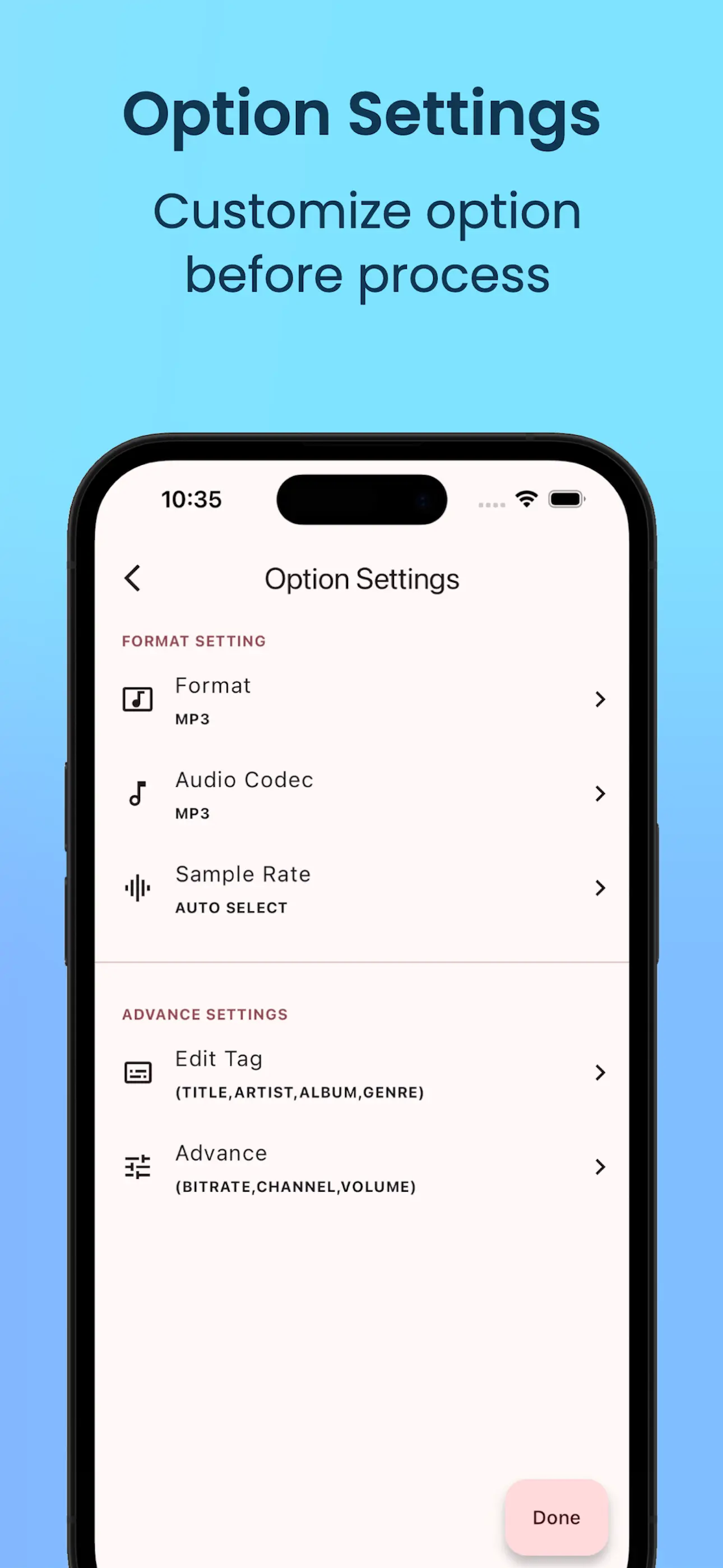
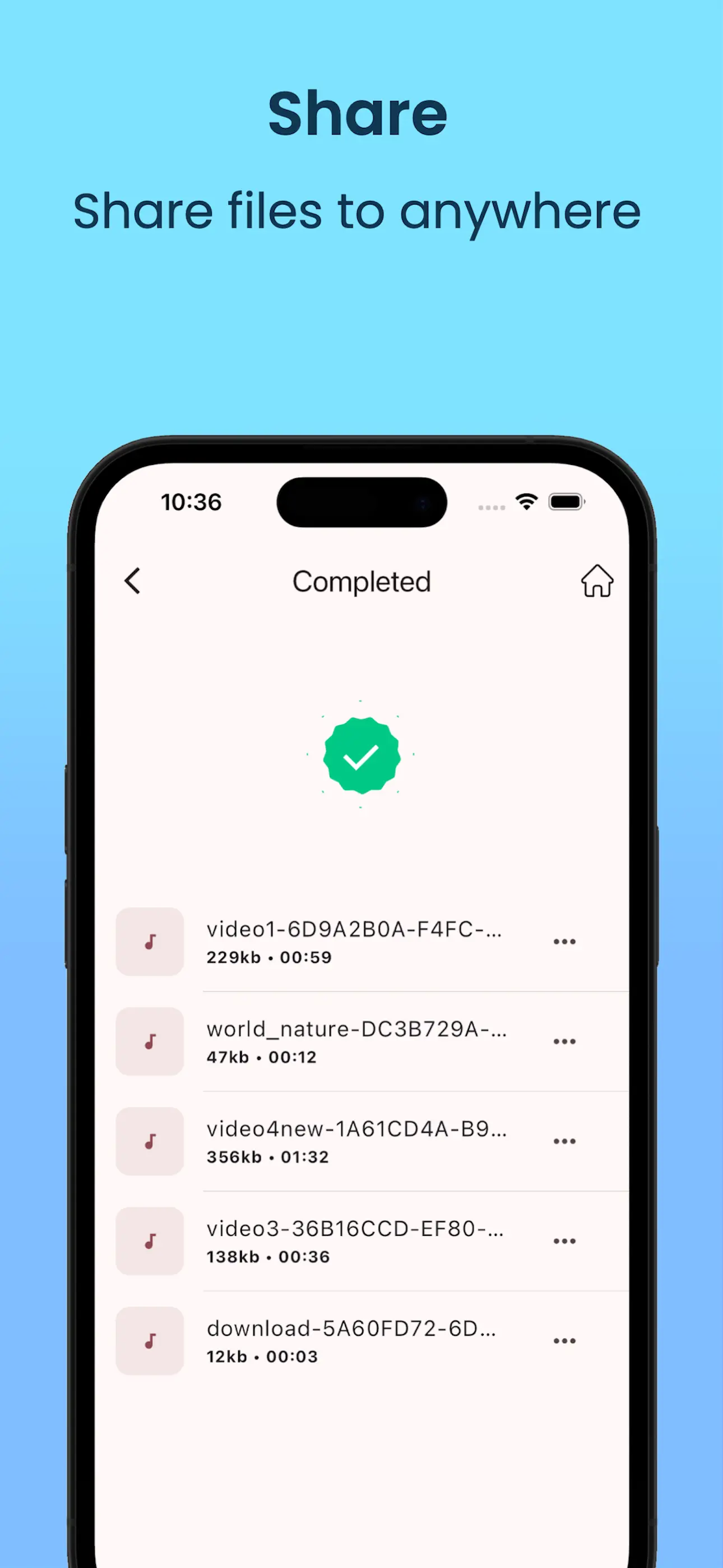
Screenshots from Audio Converter.
Features
What this app helps you do.
Capabilities
Key features of this app.
Formats
Supported formats. Availability may vary by operation.
Platforms
Where this app is available to download.
Explore more apps
Other apps in the VidSoftLabs ecosystem.

The Ultimate All-in-One Video Studio — Convert, Compress, Edit & Share Instantly
Convert, compress, edit, and share video and audio with advanced controls.
Learn More
Video Converter + Editor
Convert and edit video with compression and audio tools.
Learn More
Video Converter & Editor Pro
All-in-one video converter and editor. Convert, compress, and edit video and audio in major formats with batch support.
Learn More
AI Video Creator
Create stunning AI videos from text prompts or your own photos. Choose powerful AI models, customize generation settings, and bring your ideas to life.
Learn MoreDownload from the store, or browse the full VidSoftLabs app lineup.